

Clicks are easy to buy. Leads are not. If your Google Ads account is spending every month and the phone isn’t ringing, the cause is usually one of a handful of things — and most of them are visible inside the account in under an hour. Here is the order to check them.
Before changing bids or budgets, find out where the gap actually is: are you attracting the wrong searches, sending people to the wrong page, or simply failing to measure the leads you already get?
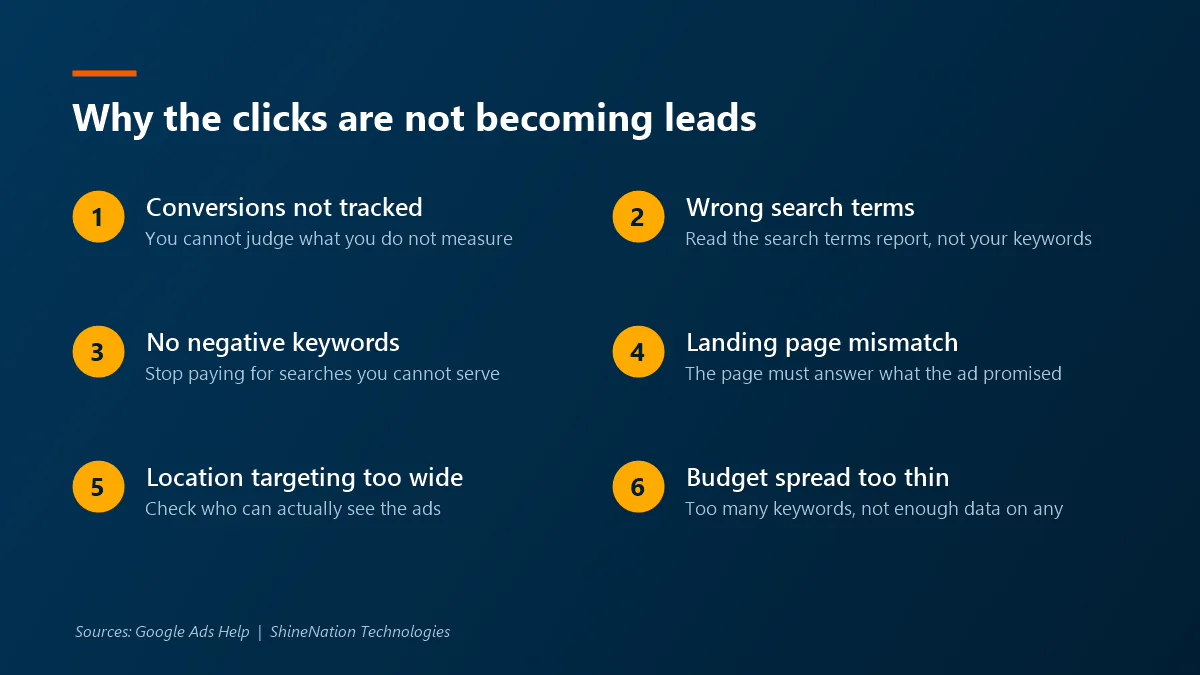
1. Check that conversions are actually being tracked
This is the most common problem, and the most expensive one, because it makes everything else impossible to judge. Google describes its free conversion tracking tool as a way to measure how many people buy or sign up after landing on your website, and says it helps you learn which keywords, ads, ad groups and campaigns drive valuable customer activity.
Without it, Google is optimising towards clicks, not enquiries — and so are you. Check that a conversion is recorded for every way a customer can contact you: the form, the phone number, and any booking or quote request.
2. Read the search terms report, not just your keywords
Your keywords are what you bid on. The search terms report is what people actually typed. Google’s own description of it is a list of the search terms that a significant number of people used which resulted in your ad being shown — and it notes that, depending on your keyword matching options, those terms may differ from your keyword list.
Open it for the last 30 days and read every term. This one report usually explains a disappointing month on its own: money spent on searches for jobs, free advice, DIY instructions, or a service you don’t offer.
3. Add negative keywords
Google’s guidance is straightforward: if a search term isn’t relevant to what you offer, add it as a negative keyword, so your ad stops showing to people looking for something you don’t sell.
For most local businesses the usual suspects are “free”, “cheap”, “jobs”, “salary”, “course”, “how to”, “DIY”, plus competitor and manufacturer names you don’t want to pay for. Build the list from your own report rather than copying someone else’s.
4. Send clicks to a page that answers the ad
If the ad promises emergency drain clearing in Racine and the click lands on a homepage listing twelve services, the visitor has to work out whether they’re in the right place. Many leave instead.
The page should repeat the promise from the ad, say where you work, and make contact obvious without scrolling — a phone number that can be tapped and a short form. Long forms asking for details you don’t need cost you enquiries. Online checkouts show the same pattern: Baymard Institute’s research on why people abandon a checkout applies almost directly to enquiry forms.
5. Check your location targeting
Money leaks quietly here. Confirm which locations the campaign targets, and check the location settings that decide whether people merely interested in your area can see the ads. If you serve Racine and the towns around it, that is what the campaign should target.
6. Stop spreading a small budget too thin
A modest daily budget split across dozens of keywords, several campaigns and broad match rarely produces enough data on anything to improve. Concentrate on the services that make you money and the terms that show buying intent, and let the rest go.
7. Give it a fair amount of time — and the right window
If your sales cycle runs for months, judging a campaign on this month’s conversions will always look like failure, because the enquiry and the sale fall in different reporting periods. We wrote about that in detail for manufacturers: making Google Ads work when your sales cycle is months long.
A 30-minute account review
- Confirm conversion tracking is recording form submissions and calls.
- Read the search terms report for the last 30 days, line by line.
- Add every irrelevant term as a negative keyword.
- Click your own ad and ask whether the page answers what the ad promised.
- Check location targeting and its settings.
- Pause the keywords with spend and no enquiries, and put that money behind the ones that produce them.
If you get through that and the account still doesn’t produce enquiries, the problem is usually further up: the offer, the page, or the price, rather than the advertising.
Want someone to look at your account with you?
We can review a Google Ads account with read-only access and tell you where the money is going, which searches you are actually paying for, and what we would change first. You keep ownership of the account either way.