

Of the three Core Web Vitals, Interaction to Next Paint is the one people feel but rarely name: the half-second where you tap a button and nothing happens. Here is what it measures, what counts as good, and what usually causes a bad score.
What INP measures
Google’s documentation describes it plainly: “INP is a metric that assesses a page’s overall responsiveness to user interactions.” It watches every interaction during a visit and reports, in effect, the worst one — ignoring extreme outliers.
That matters because averages hide the problem. One slow response on the booking button is what the visitor remembers, not the twenty quick ones before it.
The thresholds
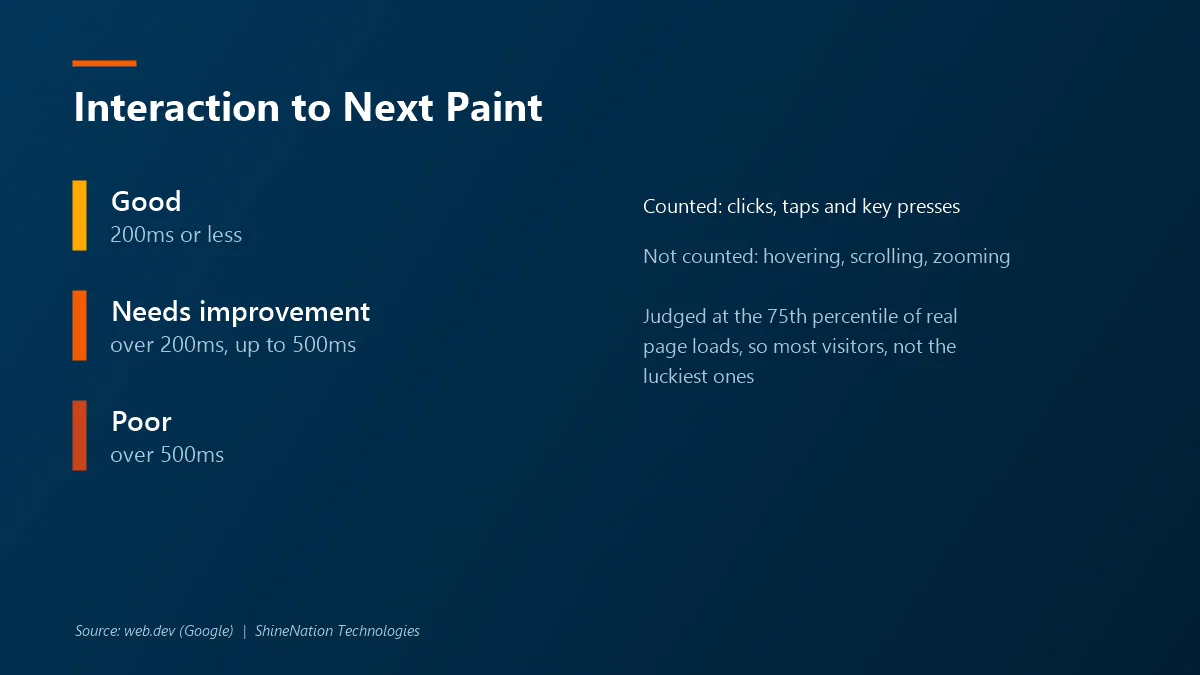
- Good: “An INP below or at 200 milliseconds means a page has good responsiveness.”
- Needs improvement: “An INP above 200 milliseconds and below or at 500 milliseconds.”
- Poor: “An INP above 500 milliseconds means a page has poor responsiveness.”
Those are judged at the 75th percentile of real page loads — so it is most of your visitors, not the luckiest ones, who need to be inside the threshold.
What counts as an interaction
Google defines an interaction as “a group of event handlers that fire during the same logical user gesture”, and is specific about which gestures are watched: mouse clicks, touchscreen taps and key presses. Hovering, scrolling and zooming are not measured.
In practice that means INP is about the things customers do deliberately: tapping a phone number, opening a menu, submitting an enquiry.
What makes it bad
Google’s documentation points at two pieces of the delay. There is input delay, “possibly caused by factors such as long tasks on the main thread”, and presentation delay, the gap between running the event handlers and painting the next frame. It notes that JavaScript is “often” the primary driver of interactivity.
On a typical small business WordPress site, that usually comes down to the same culprits:
- Too many plugins loading scripts on every page, whether the page needs them or not.
- Chat widgets, popups and booking tools that start work the moment someone touches the page.
- Tracking scripts stacked up over the years — analytics, pixels, heatmaps, three versions of the same thing.
- Heavy page builders doing layout work in the browser that could have been settled in advance.
What to do about it
- Measure it on a real phone, not just in a lab test. Field data reflects what visitors actually experienced.
- Audit your plugins. Deactivate anything you can’t name a purpose for, and check what the rest load on every page.
- Question the widgets. A chat bubble nobody answers is costing responsiveness for nothing.
- Prune tracking. Keep what you actually read; remove the rest.
- Retest after each change, one at a time, so you know which one helped.
INP is the hardest of the three Core Web Vitals to fix with a quick win, because it usually means removing things rather than compressing them. It is also the one that most closely matches how people describe a bad website: “it just felt slow”. If you want to see what gains others reported from this kind of work, our summary of Google’s published Core Web Vitals case studies is a good place to start.
Is your site slow to respond?
We can test your key pages, identify which scripts are making them unresponsive, and tell you what can be safely removed — and what can’t.