

If customers find you by searching “near me” rather than by name, local search is the part of marketing that matters most. This is a practical checklist for a Racine business — in the order worth doing it, using what Google and Bing actually publish rather than folklore.
Google is clear about how local results work. It says local results are based on relevance (how well a profile matches the search), distance (how far the business is from the person searching) and prominence (how well known the business is). It is equally clear about the shortcut everybody asks for: “There’s no way to request or pay for a better local ranking on Google.”
You can’t change where a customer is standing. You can change how complete, consistent and well known your business looks. That is what this checklist covers.
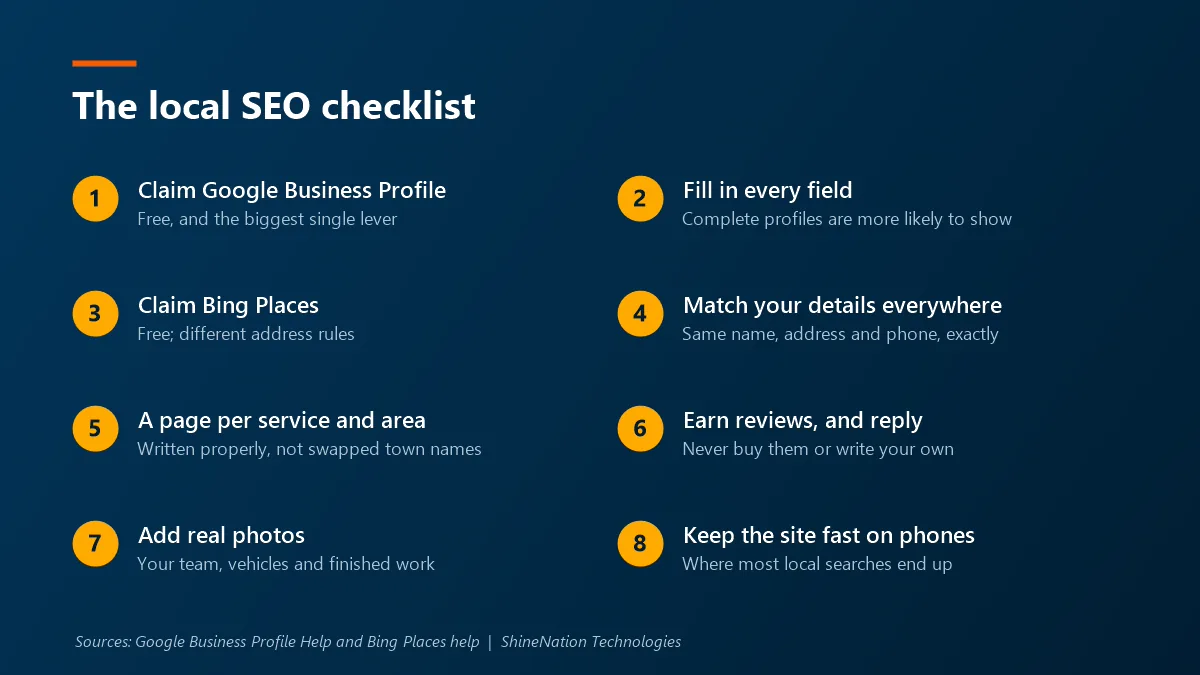
1. Claim your Google Business Profile
This is the single biggest lever for local visibility, and it’s free. If you travel to customers rather than having them come to you, Google treats you as a service-area business, which has its own address rules — our guide for service-area businesses walks through them.
2. Fill in every field, not just the required ones
Google states plainly that “Businesses with complete and accurate info are more likely to show up in local search results.” That means your categories, services, hours (including special hours for holidays), service areas, description and contact details. Empty fields are missed chances to match a search.
3. Claim Bing Places too
Bing runs its own listings, and claiming yours is free. The rules differ slightly from Google’s — notably, Bing does not allow a P.O. Box, and service businesses can hide their address while still listing service areas. Our step-by-step Bing Places guide covers the process.
4. Make your name, address and phone identical everywhere
Your business name, address and phone number should read exactly the same on your website, Google, Bing, and any directory you appear in — same spelling, same suite number, same phone format. Bing’s own advice is to keep business details current across the web, including review sites, other map platforms and social media. Inconsistent details are one of the most common and most fixable local problems.
Pick one version of your details and write it down. Everyone who updates a listing should copy from that one source.
5. Give each service and each area its own page
Relevance is judged against your website as well as your profile. One page listing six services, with a sentence each, matches a search far less precisely than a page that explains that one service properly. The same applies to the towns you serve, as long as the page has something real to say about working there — not the same paragraph with a town name swapped in.
6. Ask for reviews, and answer them
Reviews feed into how well known a business looks. Google’s guidance is direct about replying: “When you reply to customer reviews, it shows that you value their feedback.” Ask every satisfied customer, make it easy with a direct link, and reply to good and bad alike. Never buy reviews or write them yourself; platforms detect and remove them, and it puts your listing at risk.
7. Add real photos
Google says photos and videos let you “show customers what you offer and tell the story of your business.” Photographs of your actual team, vehicles, premises and finished work beat stock images, because they show a customer what turning up looks like.
8. Keep the website fast and usable on a phone
Most local searches end with someone tapping through to a website on a phone. If it is slow or awkward, the enquiry is lost after the hard work of being found. Our guide to reading your PageSpeed Insights report explains how to check that properly and which fixes matter.
What to do first if you only have an hour
- Search your own business name on Google and Bing and see what appears.
- Fix anything wrong in your Google Business Profile — hours and phone number first.
- Write down your exact name, address and phone, and correct any listing that disagrees.
- Ask three recent customers for a review.
None of this is fast-acting. Local visibility builds from a profile that is complete, details that agree with each other, and a business that looks established — which is exactly what Google means by prominence.
Want to know where you stand in Racine?
We can check your listings, your business details across the web and your service pages, then tell you what is missing and what to fix first. No obligation, and we’ll be honest if the answer is that you can do it yourself.