

If you advertise without conversion tracking, you are paying for clicks and guessing about customers. It is the first thing to fix in any account — and for most local businesses it takes an afternoon. Here is what to track, in what order, and the mistakes that make the numbers lie.
What conversion tracking actually is
Google frames it as answering one question: whether clicks on your ad led customers to take certain actions. Its documentation lists the kinds of action you can record:
- Website actions — “Website purchases, newsletter signups, button clicks, or other website actions.”
- Phone calls — tracked separately, with their own setup.
- App installs and in-app purchases.
- Offline conversions — “such as store visits or phone calls after your ad ran.”
Google also advises creating a separate conversion action for each type you track, rather than lumping everything together.
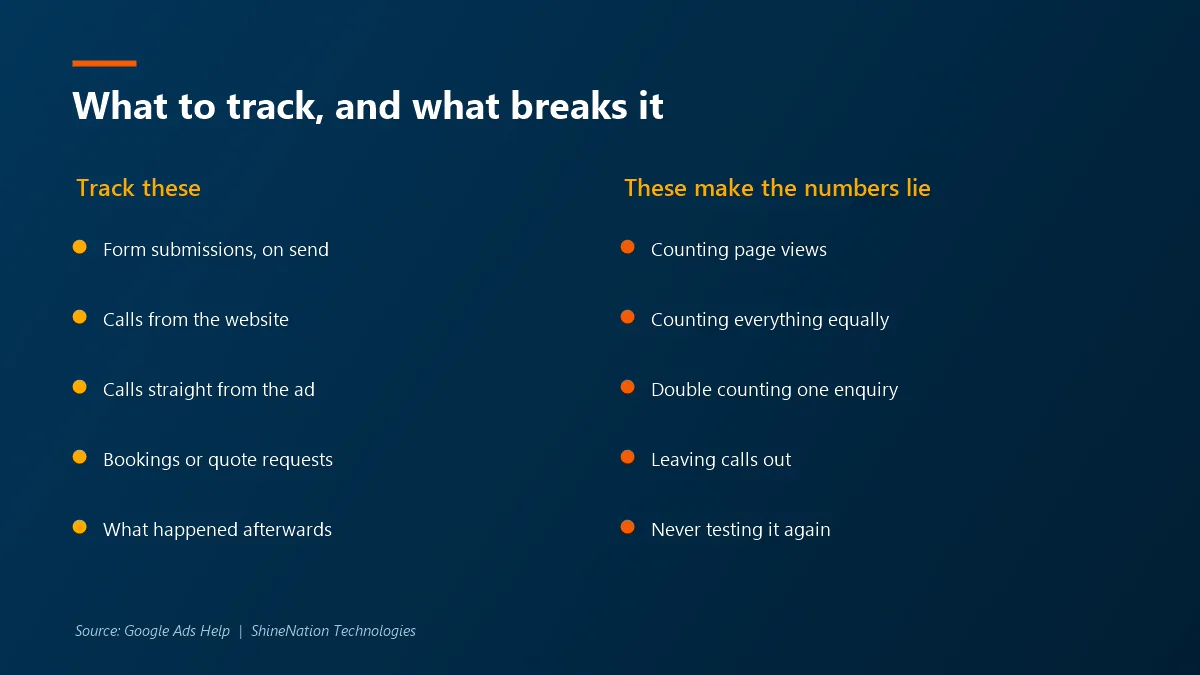
What a local business should track, in order
- Form submissions. The contact or quote form, recorded when the message actually sends — not when the page loads.
- Phone calls from the website. Most local enquiries are calls. If calls aren’t counted, your best campaigns look like your worst ones.
- Calls straight from the ad, where someone taps the number without visiting the site.
- Bookings or quote requests, if you use a booking tool.
- What happened afterwards, for longer sales cycles — which enquiries became customers. Google’s offline conversions exist for exactly this.
The mistakes that make the numbers lie
- Counting page views as conversions. If the thank-you page counts every visit, a refresh or a bookmark inflates your results.
- Counting everything. Newsletter signups, PDF downloads and social clicks are useful to know, but if they are counted alongside real enquiries, the account optimises towards the cheap action.
- Double counting. One enquiry that submits a form and then phones can appear as two.
- Leaving calls out entirely. The most common and most expensive omission.
- Never checking it still works. A redesign, a new form plugin or a changed thank-you page can silently break tracking. Test it yourself every few months by submitting a real enquiry.
Judging it over the right window
If your work closes in a day or two, this month’s conversions tell you what happened this month. If a job takes weeks to decide, the enquiry and the sale land in different reports, and the campaign will look like a failure long before it is one. We wrote about handling that in making Google Ads work when your sales cycle is months long.
A short checklist before you spend another pound
- Is a conversion recorded when your form actually sends?
- Are website calls recorded?
- Are calls from the ad itself recorded?
- Is each kind of action a separate conversion action?
- Do the counts roughly match the enquiries you actually received last month?
That last one is the real test. If Google says twenty and you remember six, something is miscounted — and every decision made on those numbers is wrong. If your ads produce clicks but no enquiries, our diagnostic checklist works through the usual causes in order.
Want your tracking checked before you spend more?
We can review an account with read-only access, test whether conversions record properly, and tell you which numbers you can trust — and which you can’t.